Frequently Asked Questions
Find answers to common questions about GardenHub
Jump to Category:
Getting Started
GardenHub is a comprehensive web-based garden management platform that helps you organize, track, and optimize your gardening activities. It works by allowing you to:
- Create and manage multiple gardens (indoor, outdoor, greenhouse)
- Track plants, environmental conditions, and care activities
- Record daily observations and journal entries
- Visualize your data with interactive charts and dashboards
- Manage equipment and maintenance schedules
Simply register for an account, create your first garden, and start tracking your growing journey!
No special equipment required! GardenHub works on any device with a web browser and internet connection:
- Desktop computers
- Tablets
- Smartphones
However, if you want to track environmental data like temperature and humidity, you may want to invest in basic monitoring equipment like thermometers and hygrometers.
Absolutely! GardenHub is designed for gardeners of all experience levels:
- Beginners: Start simple by tracking basic information and gradually add more detail as you learn
- Intermediate: Use dashboards and analytics to improve your techniques
- Advanced: Leverage comprehensive data tracking for professional-grade optimization
The interface is intuitive, and you only need to use the features that make sense for your gardening style. Start with just a garden and a few plants, then expand as you grow more comfortable!
Creating your first garden is easy! Follow these steps:
- Log in to your GardenHub account
- Navigate to Dashboard from the main menu
- Click the Create Your First Garden button
-
Fill in the garden details:
- Garden name and description
- Location (Indoor/Outdoor/Greenhouse)
- Garden type and grow method
- Start and end dates
- Optional: Upload a garden photo
- Click Create Garden
Once created, you can start adding plants, recording daily observations, and tracking your garden's progress!
Garden Management
Yes, absolutely! GardenHub supports unlimited gardens per account. This is perfect for:
- Managing separate indoor and outdoor gardens
- Tracking multiple greenhouse or growing spaces
- Running seasonal gardens with different timelines
- Comparing different growing methods (soil, hydroponic, aeroponic)
Each garden maintains its own independent records, plants, and analytics while being accessible from your main dashboard.
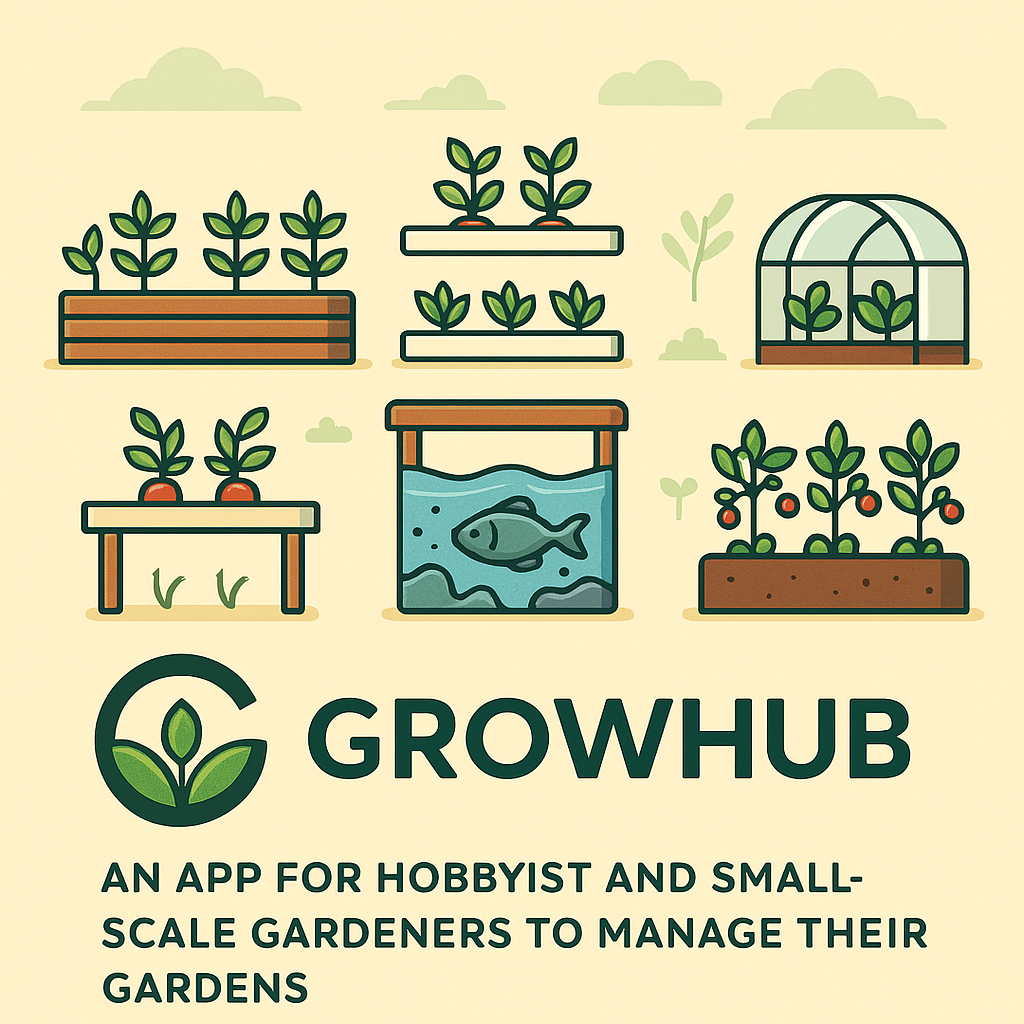
GardenHub supports various garden configurations:
Garden Locations:
- Indoor: Houseplants, grow rooms, indoor herb gardens
- Outdoor: Backyard gardens, raised beds, traditional plots
- Greenhouse: Controlled environment structures
Grow Methods:
- Soil: Traditional dirt-based growing
- Hydroponic: Water-based nutrient systems
- Aeroponic: Mist-based root systems
- Aquaponic: Fish and plant symbiotic systems
Choose the options that best describe your setup to get tailored tracking features!
Yes! You have full control over your gardens:
- Edit: Update garden name, description, dates, images, and settings anytime
- Delete: Remove gardens you no longer need (note: this also removes associated plants, records, and data)
To edit or delete a garden, go to your Gardens list, select the garden, and use the Edit or Delete buttons.
Plant Tracking
Adding plants is simple:
- Navigate to your garden's dashboard
- Click Add Plant
-
Enter plant details:
- Plant name and description
- Plant type (Vegetable, Fruit, Herb, Flower, etc.)
- Date planted
- Lighting requirements
- Grow method
- Current condition
- Optional: Upload a plant photo
- Click Create Plant
Your plant will appear in the garden's plant list and you can start tracking care activities immediately!
GardenHub tracks comprehensive plant care activities:
- Watering: Amount, frequency, and method
- Fertilizing: Type, amount, and application date
- Pruning: Trimming and maintenance activities
- Pest Control: Issues and treatments
- Health Status: Overall plant condition
- Support: Stakes, cages, trellises
Each activity includes duration tracking, notes, and links to the Plant Care Dashboard for detailed analytics!
The Plant Care Dashboard provides detailed insights into individual plant health and care history:
- Activity Statistics: Total counts for each care type (watering, fertilizing, etc.)
- Visual Charts: Activity distribution and health status trends over time
- Timeline View: Chronological activity feed showing all care events
- Health Tracking: Monitor plant condition changes
- Month Filtering: View activities by specific time periods
Access it by clicking on any plant and selecting "View Care Dashboard"!
Data & Records
Daily Records are environmental snapshots of your garden at specific points in time. They help you:
- Track temperature and humidity changes
- Monitor VPD (Vapor Pressure Deficit) for optimal growing conditions
- Record lighting schedules and intensity
- Log water and nutrient amounts
- Identify patterns and trends over time
VPD (Vapor Pressure Deficit) is the difference between the moisture in the air and how much moisture the air can hold when saturated.
Why it matters:
- Influences plant transpiration rates
- Affects nutrient uptake efficiency
- Impacts plant stress levels
- Helps optimize growing conditions
Ideal VPD ranges:
- Seedlings/Clones: 0.4-0.8 kPa
- Vegetative: 0.8-1.2 kPa
- Flowering: 1.0-1.5 kPa
GardenHub automatically calculates VPD from your temperature and humidity readings!
Great question! They serve different purposes:
Daily Records
- Structured data: Temperature, humidity, VPD
- Quantitative: Numbers and measurements
- Analytics-focused: Used for charts and trends
- Regular tracking: Daily or periodic snapshots
Journal Entries
- Narrative format: Notes and observations
- Qualitative: Descriptions and insights
- Documentation-focused: Events and milestones
- Event-based: When something notable happens
Use both together for comprehensive garden documentation!
Yes! GardenHub offers printing capabilities:
- Garden Details: Print comprehensive garden summaries with the "Print Summary" button
- Browser Print: Use your browser's print function (Ctrl+P or Cmd+P) on any page
- Print-Optimized: Pages are formatted for clean, professional printouts
Features
GardenHub provides 4 specialized dashboards:
- Main Dashboard: Overview of all gardens, plants, equipment, and recent activity across your account
- Garden Dashboard: Detailed view of a specific garden with environmental charts and monthly data filtering
- Records Dashboard: Analyze environmental data trends with advanced filtering and visualization
- Plant Care Dashboard: Individual plant care analytics with activity tracking and health status charts
Each dashboard is optimized for different aspects of garden management!
Equipment Management helps you track your gardening tools and gear:
- Inventory: Add all your garden equipment with details
- Maintenance Status: Track Operational, Maintenance Requested, or Under Maintenance status
- Purchase Tracking: Record purchase dates and warranty information
- Garden Association: Link equipment to specific gardens
- Photos: Upload images for visual identification
Perfect for managing grow lights, fans, pumps, tools, and more!
Currently, GardenHub is web-based and works great on mobile browsers with responsive design.
In the meantime, you can add GardenHub to your phone's home screen for app-like access!
Technical
Yes! Your security and privacy are our top priorities:
- Authentication: Powered by ASP.NET Core Identity with secure password hashing
- Data Isolation: Your garden data is private to your account only
- Modern Technology: Built on .NET 9 with industry-standard security practices
- No Data Sharing: We don't sell or share your personal garden information
For more details, see our Privacy Policy.
GardenHub works on all modern browsers:
- Google Chrome (Recommended)
- Mozilla Firefox
- Safari (macOS/iOS)
- Microsoft Edge
Tip: For the best experience, keep your browser updated to the latest version!
GardenHub is built with cutting-edge technology:
C# 13.0
.NET 9
Bootstrap 5
Responsive UI
EF Core
Data Access
Chart.js
Visualization
Learn more on our About page.
We love hearing from users! Here's how to reach us:
- Email: Use our Contact page to send feedback
- GitHub: Submit issues or feature requests on our repository
- Bug Reports: Include as much detail as possible (steps to reproduce, browser, etc.)
Still Have Questions?
Can't find what you're looking for? We're here to help!